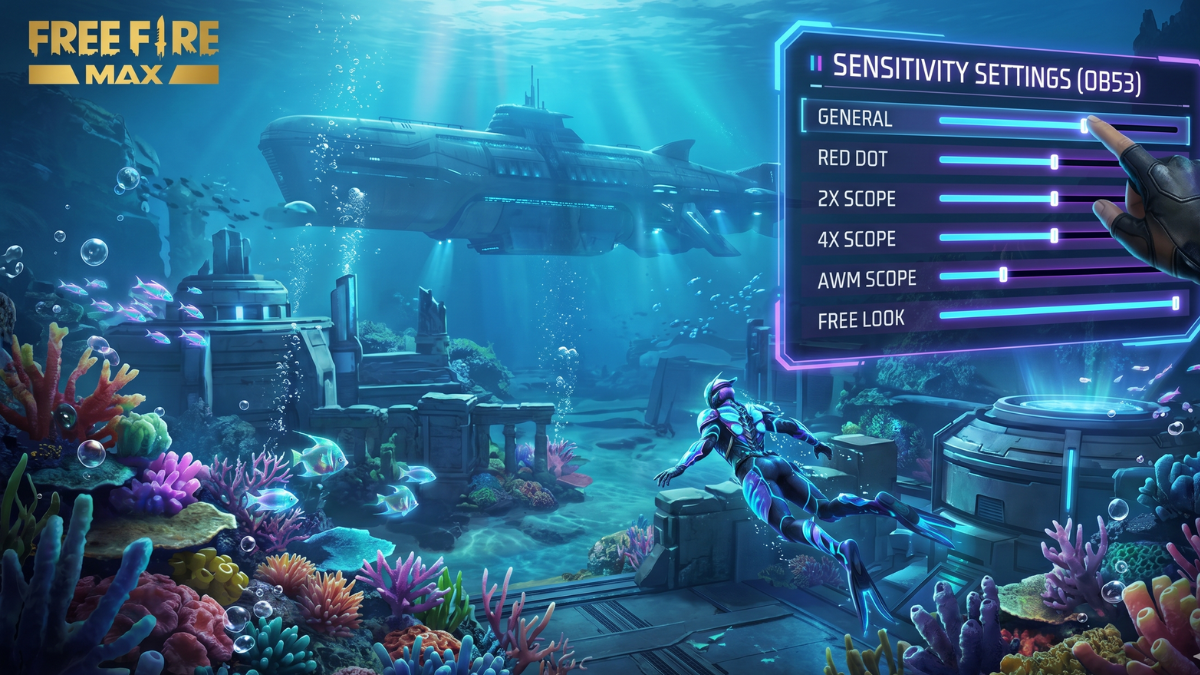
The OB54 update has brought subtle adjustments to Free Fire's auto-aim mechanics. If you've noticed that your crosshair is either "sticking to the chest" or "zooming over the head," you are not alone. The old sensitivity settings from OB53 simply don't have the precision needed for the new meta, which requires tracking fast-moving targets like the Wukong decoys or players rotating inside the Chrono shield.
In this guide, we will break down the exact sensitivity ranges you need for OB54 and the secret "Rotation Drag" technique that pro players are currently using to dominate Ranked matches.
The Best OB54 Sensitivity (0-200 Scale)
With the expanded 0-200 scale, precision is your best friend. In OB54, more is not always better. You need a stable baseline to ensure your drag doesn't become shaky.
Recommended Baseline:
- General: 175 – 195 (Fast movement is key)
- Red Dot: 110 – 160 (Lower for better control in OB54)
- 2x Scope: 120 – 140
- 4x Scope: 115 – 135
- Sniper Scope: 50 – 80
The Secret Fire Button Setup
In OB54, your fire button's size and position are just as important as your sensitivity. A button that is too large will limit your "drag space," making it impossible to hit precision shots on enemies at close range.
- Optimal Size: 45% – 55%. This is the "Goldilocks zone" for both AR and SMG players.
- Position: Place it slightly towards the bottom-center of your screen. This gives your thumb more room to "pull up" for the drag.
Mastering the "Rotation Drag" (J-Shape)
If the enemy is moving, a straight upward drag will often miss. Pro players use the Rotation Drag (also known as the J-Drag). Instead of swiping straight up, you swipe the fire button in a slight **"J"** curve—down first, then quickly rotating up toward the enemy's head.
This technique "tricks" the aim-assist into breaking its lock on the chest, allowing the crosshair to snap directly to the target.
Find Your personalized OB54 Sensi with AI
Standard settings are a good start, but they don't account for your specific screen response, protector type, or device age. That's why we built the Sensi Guru AI.
Stop Guessing, Start Winning!
Our AI analyzes over 10,000+ device models to calculate the mathematically perfect sensitivity for the OB54 meta.
Use Taki FF Sensitivity CalculatorHead over to the training ground, set your DPI (if used), and try these settings. Remember, consistency is king—once you find a setting that feels good, stick with it for at least 3 days to build that essential muscle memory!