10,000+ DEVICES
OB55 META READY
100% SECURE
FREE FOREVER
FREE FIRE SENSITIVITY GUIDE FOR ANDROID & IPHONE
Understand each FF sensitivity control, use a device-based suggestion, and adjust it for the way
you aim. These are starting settings for Free Fire and Free Fire MAX—not a universal promise.
What each FF sensitivity setting controls
- General: camera movement and quick drag speed.
- Red Dot: close-range aim without a magnified scope.
- 2x & 4x Scope: aim speed at medium range.
- Sniper: steadier movement while using sniper scopes.
- Free Look: camera movement while checking
surroundings.
Why 2GB, 4GB and 8GB phones can feel different
RAM alone does not decide the best sensi for Free Fire. Screen size, refresh rate, touch
response, frame-rate stability, device age, grip and play style can all change how the same
number feels. That is why a device-based suggestion should be treated as a starting point.
How to fine-tune sensi for Free Fire
- Apply the suggested values manually in the official game settings.
- Test drag shots, tracking and scope movement in Training Ground.
- If aim stops below the target, raise the relevant setting by 5; if it overshoots, lower it
by 5.
- Change one control at a time and keep the values that feel consistent.
Headshot accuracy also depends on crosshair placement, fire-button position, FPS, practice and
consistency. No single Free Fire sensitivity setting can be perfect for every player or device.
RECOMMENDED GAMING GEAR
Level up your gameplay with the gear used by professional FF players.
Best
Seller
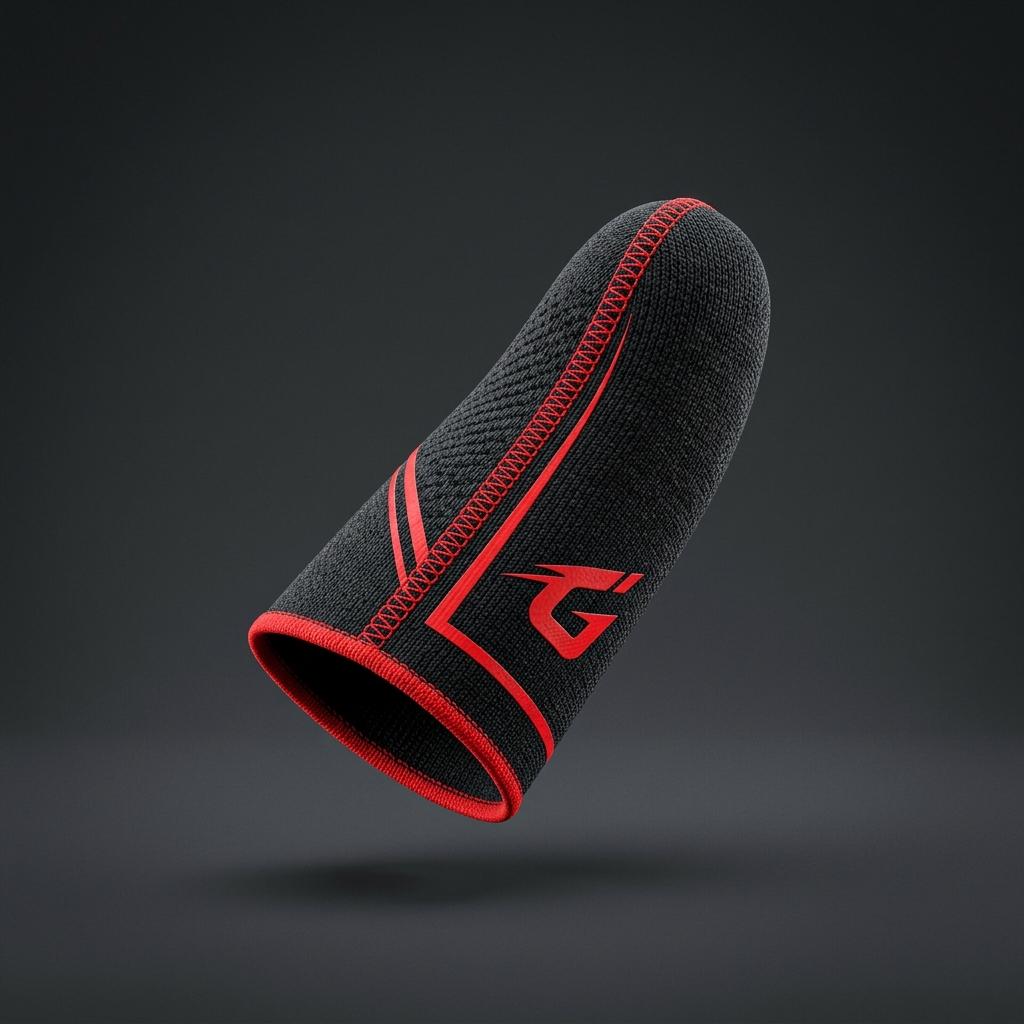
Pro Gaming Finger Sleeves
Super-conductive,
sweat-proof silver fiber sleeves. Get maximum touch sensitivity and smooth headshots. [Limited
Stock]
Special Deal
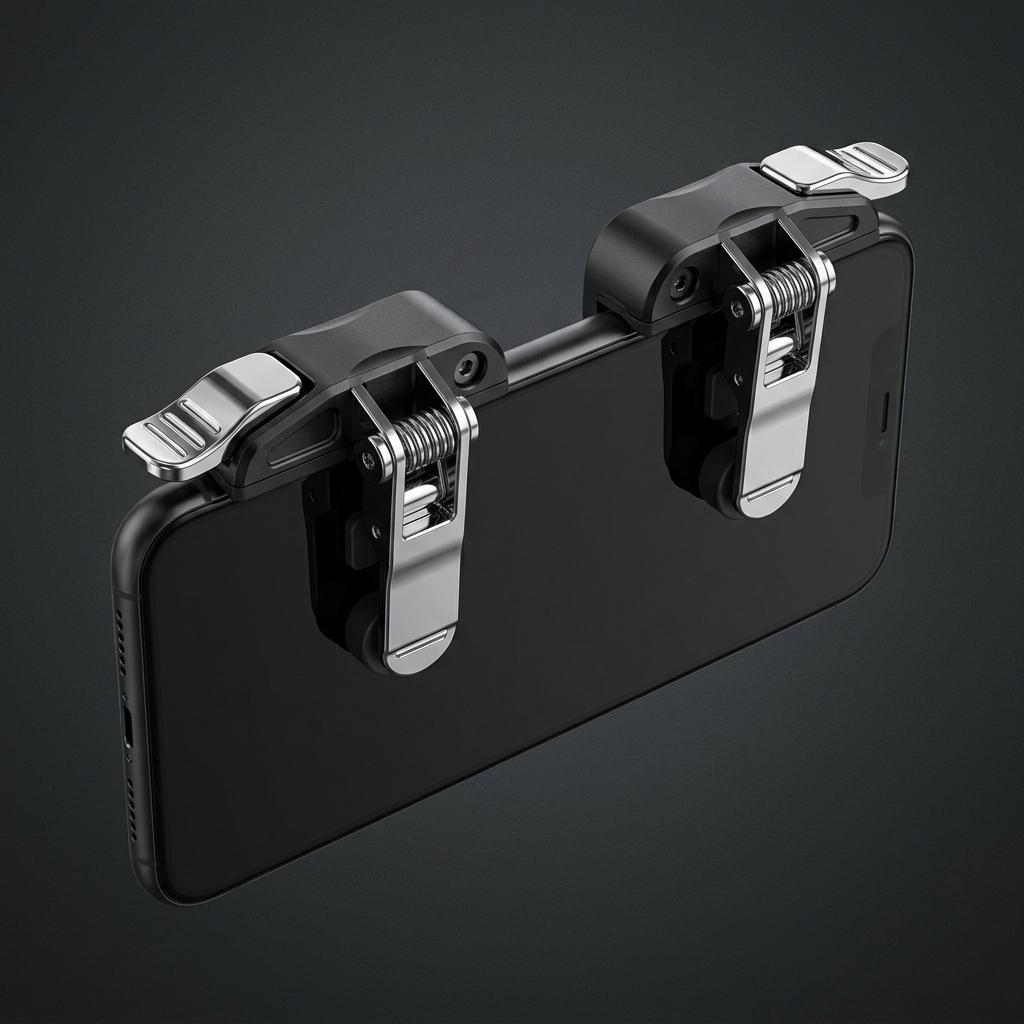
Precision L1R1 Triggers
Ergonomic metal
triggers for four-finger claw. Instant touch response, clicky feel & zero lag. [Special Price]
Top
Choice
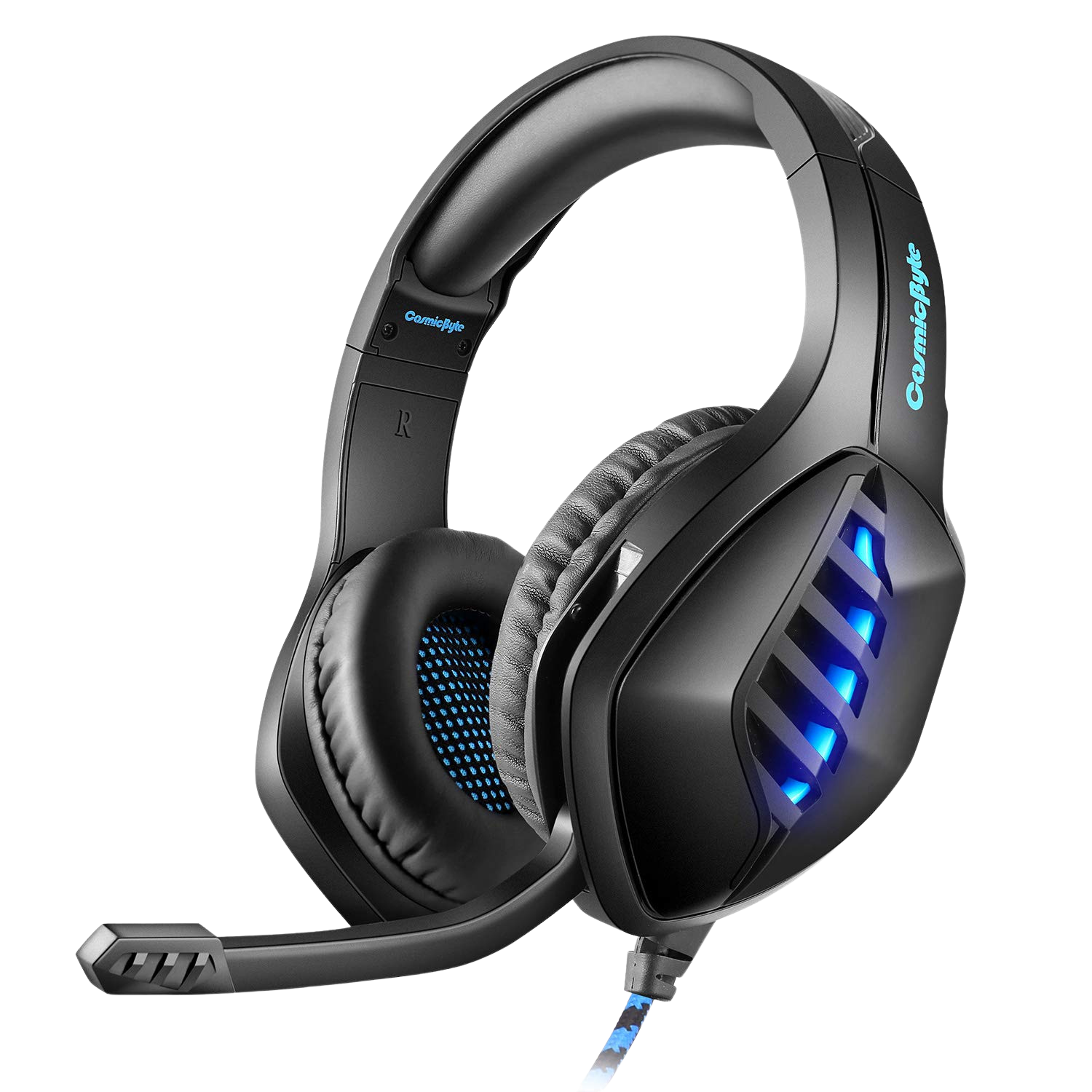
Cosmic Byte GS430
Immersive 3D
surround sound & 7 color RGB LED. Noise-canceling microphone to coordinate with squad & track
footsteps easily.
Pro Choice
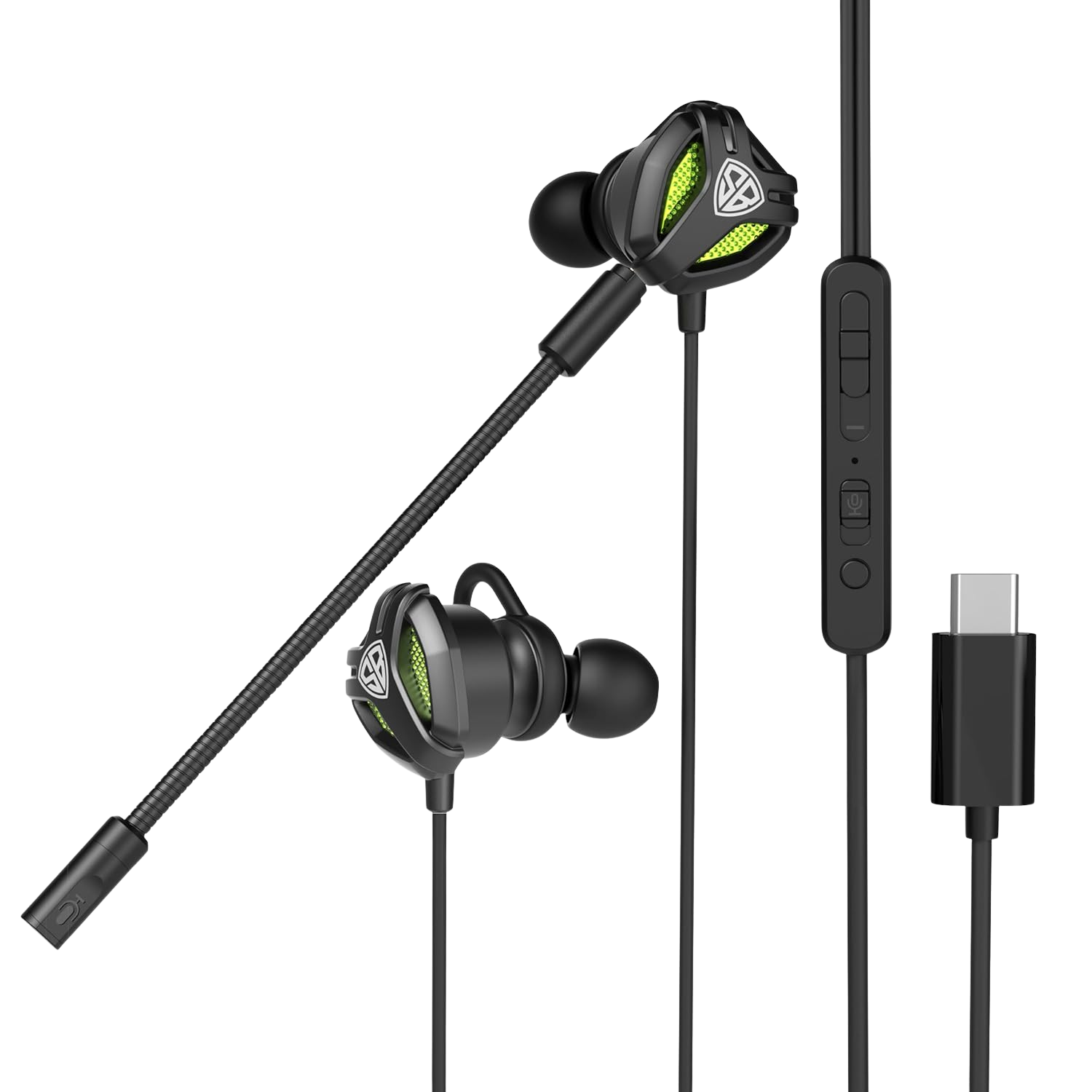
SpinBot BattleBudz C10
Detachable Boom
Mic, Type-C plug & dedicated mute switch. Zero-latency sound design to track every enemy step in
Free Fire like a pro! [Best Seller]
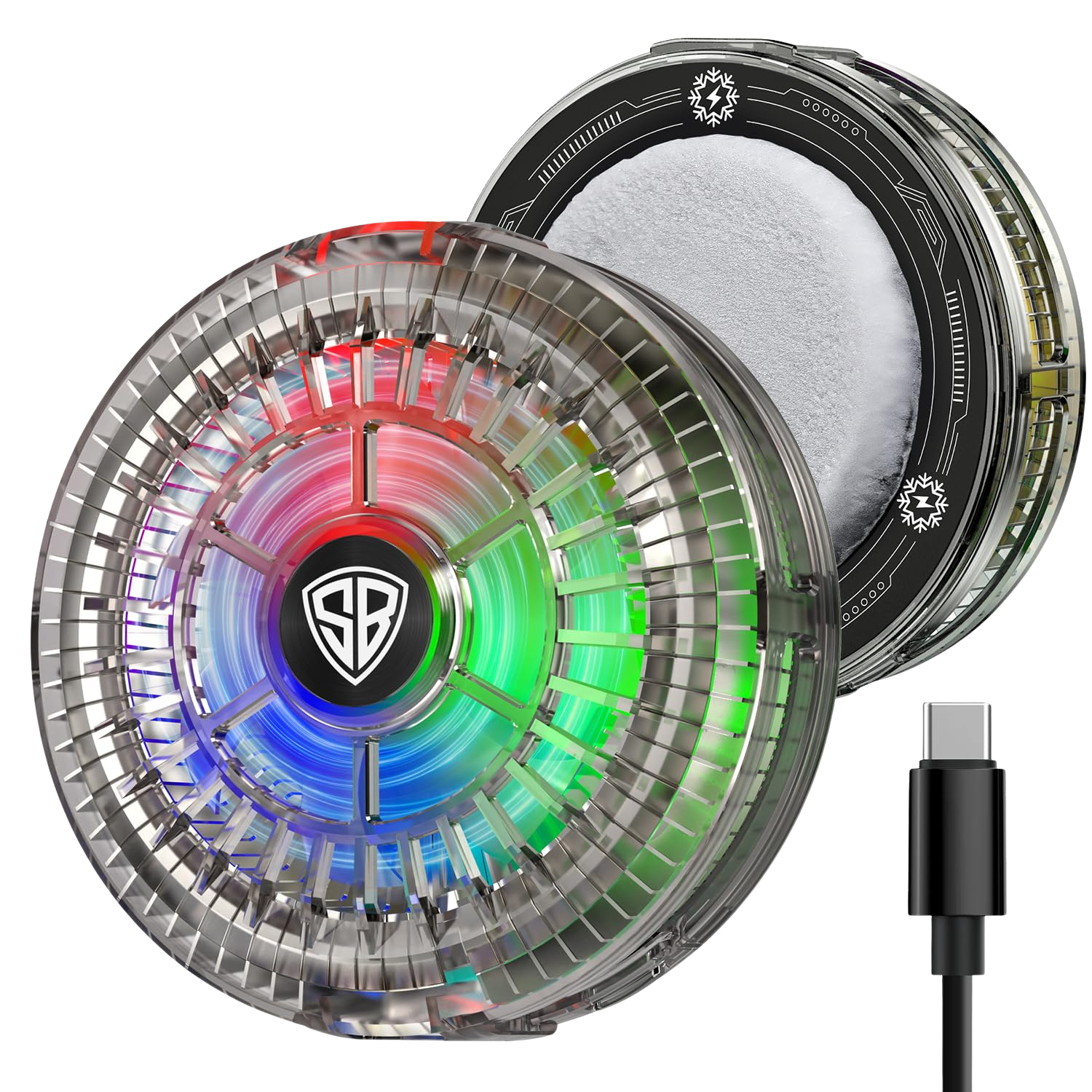
Instant Cooling
SpinBot IceDot Mag Air
Magnetic
semiconductor phone cooler with 15W freeze cooling, RGB lights, and 2-speed gears. Stops lag and
heating instantly during intensive gameplay.
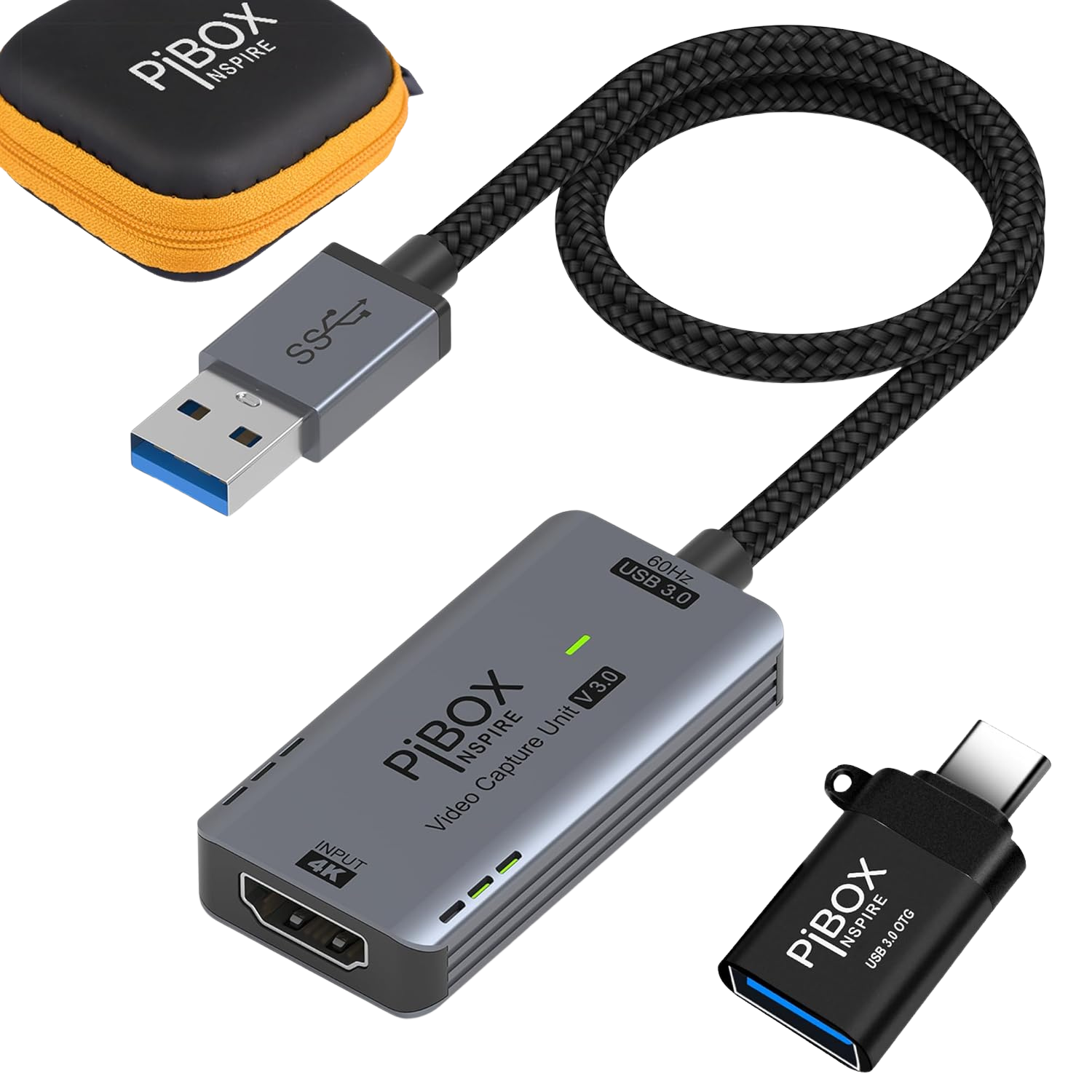
Streamer Choice
OBS Video Capture Card
HDMI to USB video
capture card. Mirror your mobile gameplay to PC or OBS in real-time with zero latency for
professional live streaming.
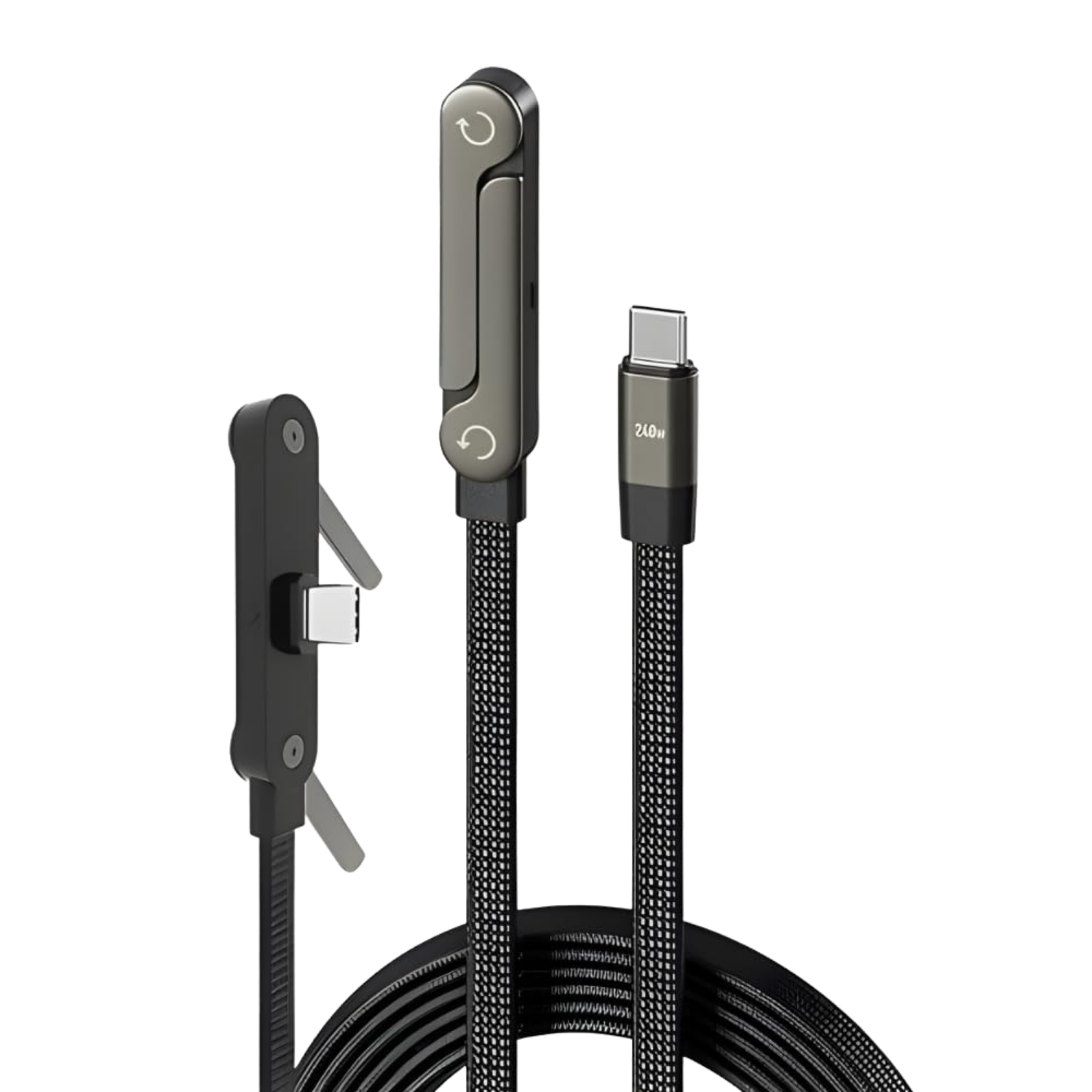
Special Deal
L-Shape Gaming Cable
High-speed
charging cable with a 90-degree right angle design. Play comfortably while charging without
blocking your fingers and claw grip.
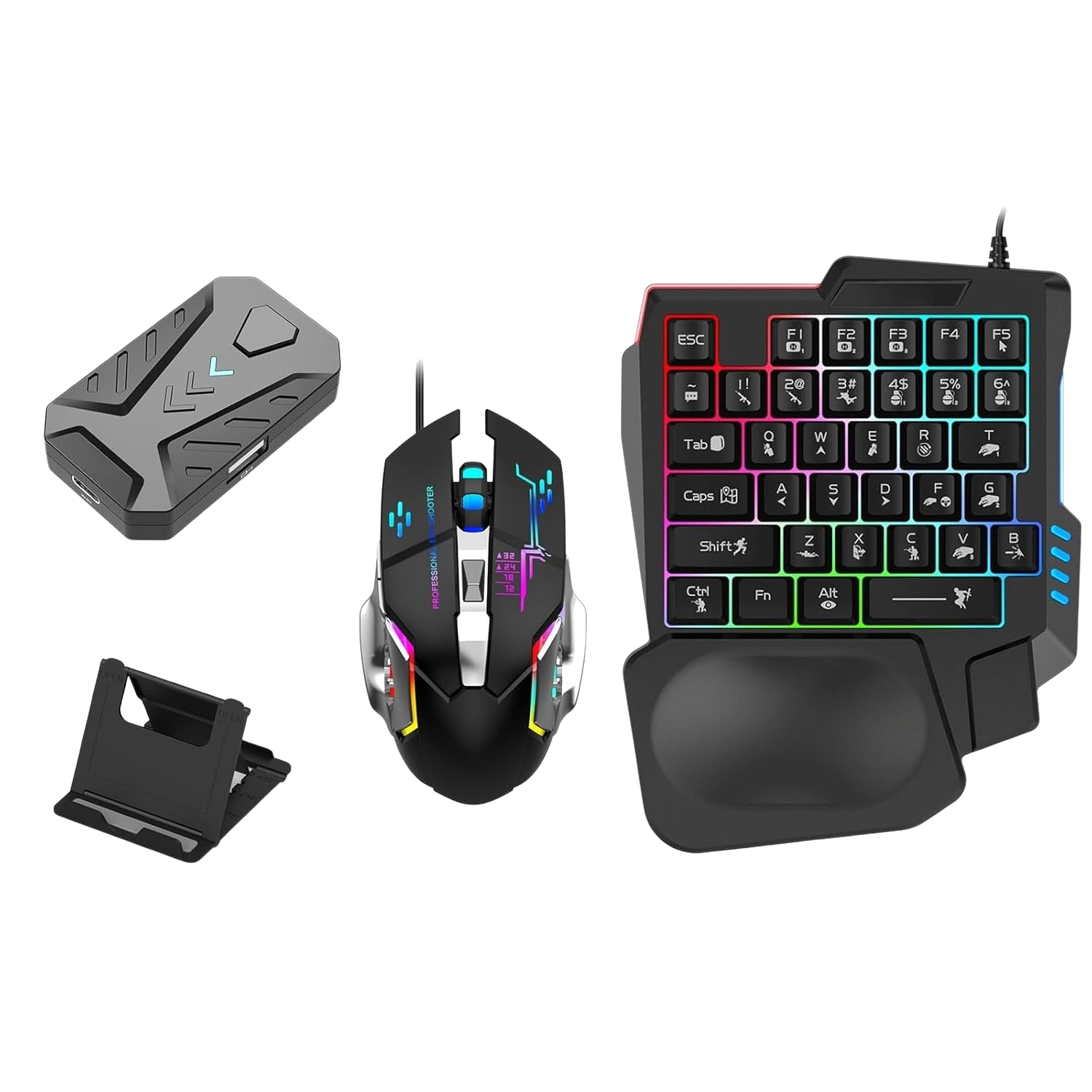
Loot Deal
One-Handed Keypad Set
Compact 35-key
RGB mechanical-feel keypad and high-precision gaming mouse. Designed to save space and play
mobile games like a PC pro.
*Disclaimer: As an Amazon Associate, Taki FF earns a small commission from qualifying purchases made through
the links above. This helps support the hosting and maintenance of our free tools at no extra cost to you.
LATEST PRO GUIDES
Master the battlefield with our expert-written gaming guides.
HOW TO USE THE FREE FIRE SENSITIVITY GUIDE
Get a suggested starting point and test it in four simple steps.
1
Select OS
Choose between Android or iPhone platform.
2
Enter Model
Type your exact phone model (e.g. Redmi Note 12).
3
Device Age
Add the phone's age so the guide can tailor its starting suggestion.
4
Review & Test
Apply the suggested values, then fine-tune them in Training Ground.
FREE FIRE OB55 SENSITIVITY BY RAM (QUICK REFERENCE)
Target baseline settings for 2GB, 3GB, 4GB, 6GB, and 8GB+ RAM devices on the current 0–200 scale.
| Device RAM |
General |
Red Dot |
2x Scope |
4x Scope |
Sniper |
Fire Button |
| ● 2GB – 3GB RAM Low Touch Sampling |
180 – 195 |
175 – 190 |
160 – 180 |
145 – 165 |
95 – 120 |
45% – 50% |
| ● 4GB RAM Standard Gaming |
170 – 185 |
165 – 180 |
150 – 170 |
135 – 155 |
90 – 115 |
42% – 48% |
| ● 6GB RAM High Refresh Rate (90Hz)
|
160 – 175 |
155 – 170 |
140 – 160 |
125 – 145 |
85 – 110 |
40% – 45% |
| ● 8GB+ / iPhone Flagship 120Hz Touch
|
145 – 165 |
140 – 160 |
130 – 150 |
115 – 135 |
75 – 100 |
38% – 44% |
FREQUENTLY ASKED QUESTIONS
How to use Taki FF as an independent Free Fire settings guide.
For Free Fire OB55 on the 0–200 scale: 2GB–3GB RAM phones require
General 180–195 and Red Dot 175–190 to overcome hardware touch latency. 4GB
RAM phones perform best at General 170–185. 6GB–8GB
devices perform optimally at General 145–165 to prevent overshooting during drag
headshots.
Players often call tools like this a Free Fire sensitivity generator, but Taki FF is best
used as an independent settings guide and helper. Sensi Guru AI suggests a device-based
starting point; it does not promise a perfect setting or guaranteed gameplay result.
Test every suggestion in Training Ground and adjust it to your own aim.
The guide shows suggested starting values for General, Red Dot, 2x Scope, 4x Scope,
Sniper and Free Look. Enter your Android or iPhone model and device age, review the
values, then apply them manually inside the official game settings.
Start in Training Ground and test the same drag-shot or one-tap movement several times.
If your crosshair stops below the target, increase the relevant setting by about 5. If
it moves past the target, reduce it by about 5. Change one setting at a time so you can
tell which adjustment helped.
Taki FF only displays settings guidance that you apply manually inside the official game
menu. It is not a hack, cheat or injector; it does not modify game files, access game
memory or require your game login. Avoid any third-party file that falsely uses the Taki
FF name and claims to alter the game.
No, you do not need to install any third-party apps, modifications, or scripts. Sensi
Guru AI is a web-based settings helper. You simply view the suggested settings on our
website and adjust them manually inside your official game settings. We do not
support or distribute any files that alter the game code.
No. Taki FF does not ask for your game username, password, email, or any personal
account details. The settings helper only uses the phone model and device age you enter
to provide its suggestion.
Yes. The Taki FF sensitivity guide is available for Android and iPhone models. Search for
your exact model in the helper; if two phones feel different, use the result as a
starting point and fine-tune it in Training Ground.
A phone's current performance and touch feel can change with age, software, battery
condition and everyday use. Device age gives the guide extra context for its starting
suggestion, but you should still confirm the final values through your own testing.
No, there is no Taki FF Mod APK. Taki FF is an independent, secure
web-based
tool, and our genuine Android companion app (Taki Sensi) is exclusively available on the
Google Play Store. We do not support
or distribute any modded files, cheats, or hacking scripts. Downloading fake "Taki FF
Mod APK" files from third-party sites can infect your device with malware or get your FF
account banned. Always use takiff.online or the genuine Google Play link.