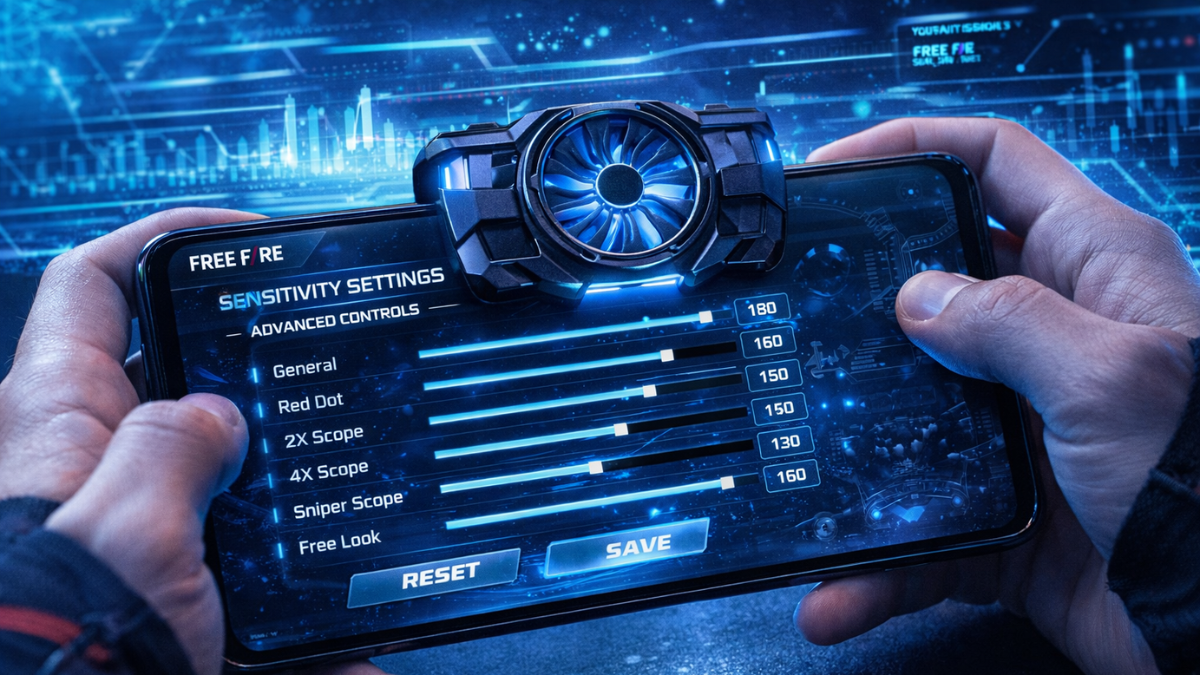
In the fast-paced world of FF (Free Fire), having the right sensitivity settings is often the difference between getting a "Booyah" and heading back to the lobby early. While buying expensive characters and gun skins might give you a slight edge, true skill relies heavily on your aim and movement speed. This is where your sensitivity settings come into play.
Why Sensitivity Matters for Aim Accuracy
The "Precision Aim" or "Drag Shot" technique relies entirely on muscle memory and the correct Swiping (dragging) speed. If your sensitivity is too low, dragging the fire button won't lift the crosshair enough to reach the target. If it's too high, the crosshair will fly past the target and shoot into the sky.
1. General Sensitivity: The Foundation of Movement (Updated 0-200 Scale)
Your General Sensitivity controls how fast you can turn your camera when you swipe the screen without aiming down sights (ADS). With the new OB54 update, FF has increased the sensitivity limit from 100 to 200. This allows for much smoother movement and faster Gloo Walls.
- For Low-End Android (2GB-4GB RAM): Keep it at 190-200. These devices often have lower touch sampling rates, so you need maximum sensitivity to compensate for lag.
- For High-End Android & iPhone (6GB+ RAM): Keep it between 160-185. iPhones and premium Androids have highly responsive screens; 200 might make your aim too shaky.
2. Red Dot Sensitivity: The Secret to One Tap Control
The Red Dot sensitivity is arguably the most important setting for close to mid-range combat. This dictates your aim speed when you fire without a scope or when using the built-in iron sights.
A pro trick is to keep your Red Dot sensitivity slightly lower than your General sensitivity. Why? Because you want fast movement (General) but controlled aim when shooting (Red Dot). If General is 190, try keeping Red Dot around 175-185. This slight resistance makes drag shots much more consistent.
Should You Change Your DPI?
DPI (Dots Per Inch) modifies the pixel density of your screen, making everything smaller but effectively increasing your screen's touch sensitivity beyond the in-game limits. Many pro players like Ruok FF, White444 and Raistar use high DPI to achieve lightning-fast movement.
Warning: Increasing your DPI too much can harm your phone's processor and battery life. If you choose to increase it, do it gradually (in steps of 20-30) and never exceed 600-800 depending on your device's capacity.
How to Find Your Perfect Sensitivity
Copying a YouTuber’s settings exactly rarely works because they play on different devices with different screen protectors and finger sleeves. Instead, use a smart tool to find your baseline.
Pro Tip: Stop guessing your settings! Use our Taki FF Sensitivity Calculator. It analyzes your specific phone model to provide the mathmatically optimal starting sensitivity.
Once you have your generated settings, head to the Training Grounds. Grab an SMG (like the UMP) and an AR (like the SCAR) and practice dragging the fire button on the dummy. Adjust the Red Dot sensitivity by 2-3 points up or down until the crosshair locks onto the target perfectly.