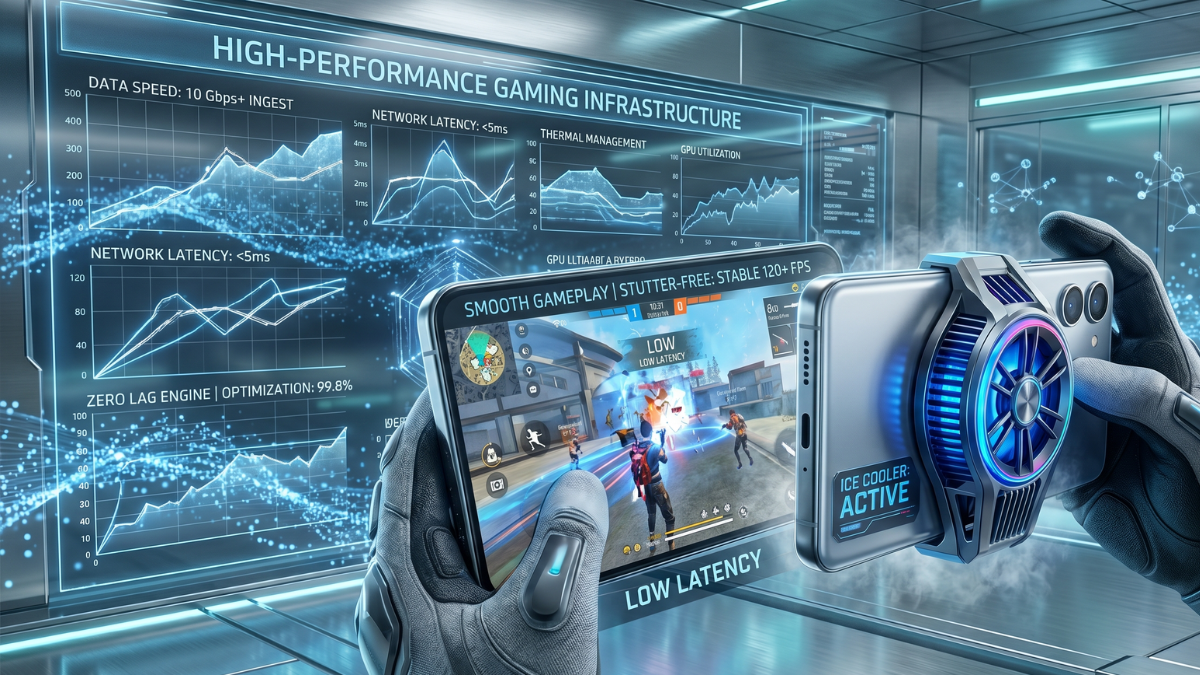
The Free Fire OB53 update (Undersea Mystery) has brought exciting new content, but it has also introduced significant performance issues for many players. From sudden frame drops to high device temperature and "Network Connection Errors," the game has become unplayable for many, especially on low-end devices.
If you are experiencing lag in OB53, don't worry. Based on our deep research of the new patch mechanics, we have compiled the ultimate optimization guide to get you back to smooth, 60 FPS gameplay.
1. Use the New "Experimental Frame Rate Boost"
In the OB53 update, Garena introduced a secret performance feature called Experimental Frame Rate Boost. This setting is specifically designed to stabilize your FPS during intense gunfights and gloo wall placements.
How to enable: Go to Settings > Display. Scroll down until you see "Experimental Frame Rate Boost" and set it to ON. Combine this with High FPS set to "High" for the best results.
2. The Best Graphics Settings for OB53
Many players make the mistake of playing on "Standard" or "Ultra" graphics because they have a mid-range phone. In OB53, the game engine is more demanding. To maximize performance, use these settings:
- Graphics: Smooth (Always use Smooth if you want the highest possible FPS).
- High FPS: High (Essential for reducing input lag).
- Auto Scale: Off.
- High Res: Normal.
3. Fixing "Network Connection Error"
Are you getting stuck on the loading screen or seeing network errors even with good internet? This is often due to DNS congestion after a major update.
The Pro Solution: Set a Private DNS on your phone. Go to Settings > Connection > Private DNS and type dns.google. This bypasses slow ISP routes and connects you directly to the game servers.
4. Android Developer Options Tweaks
If you're on Android, these three hidden settings can significantly reduce UI lag and system overhead while playing Free Fire:
- Enable Developer Options (Tap Build Number 7 times).
- Find Window Animation Scale, Transition Animation Scale, and Animator Duration Scale.
- Set all three to .5x (or Off). This makes your device respond much faster.
- Enable Force 4x MSAA (Only for mid-range phones - this smoothens graphics but might increase heat).
5. Manage Device Heat & Storage
OB53 causes devices to heat up faster. When your phone gets hot, the processor automatically slows down (Thermal Throttling), causing "stutter lag."
- Storage: Ensure at least 6GB of free space. A full storage disk slows down the entire OS.
- Expansion Packs: Don't download everything! Only download the maps you play and the skins you currently equip. Go to the Download Center and delete unused resources.
- Cooling: Take off your phone case during long gaming sessions. Avoid playing while charging at all costs.
Warning: Avoid FF Config Files
Never use "No Lag Config" or third-party boosting apps. Garena's anti-cheat is very active in OB53, and using modified game files can lead to a permanent account ban. Stick to official settings mentioned in this guide.
By following these steps, you should see a massive improvement in your Free Fire performance. For even better aim and precision, don't forget to generate your custom OB53 Sensitivity Settings using our AI tool!