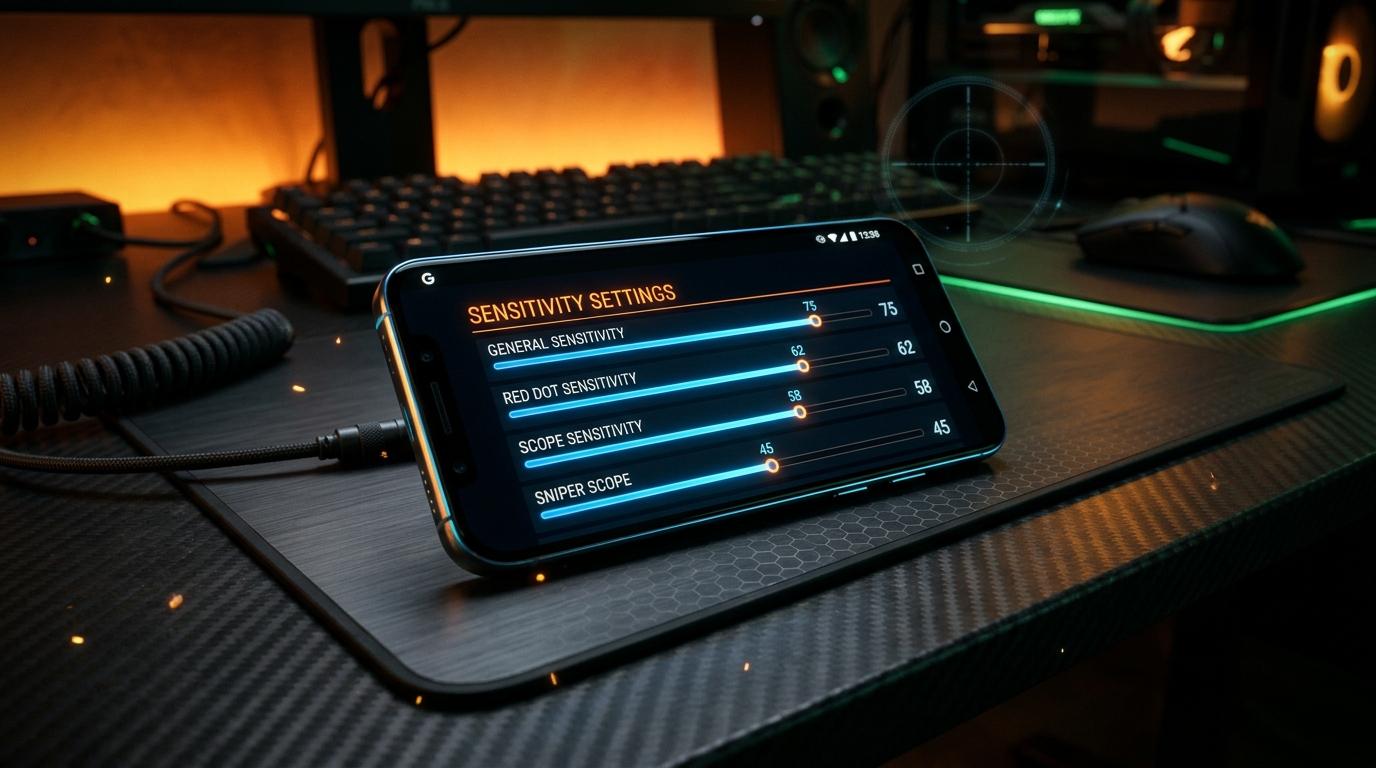
Free Fire India Universal Baseline (0–200 Slider):
Calibrated specifically for Indian server hitboxes, tick rate, and drag response across Android and iPhone:
1. Why Free Fire India Sensitivity Requires Custom Tuning
With the dedicated release of Free Fire India, the game runs on local Indian data centers. This brings significantly lower network latency (typically 15ms–45ms ping compared to older 80ms+ ping routes). Because server hit registration is much faster, bullets register immediately when your crosshair sweeps across an opponent’s head.
If your sensitivity is set incorrectly:
- Too High: Your crosshair will easily overshoot past the enemy’s helmet into thin air when dragging with Woodpecker, M1887, or Desert Eagle.
- Too Low: Aim-assist sticks firmly to the enemy's chest armor, preventing clean one-tap headshot drags.
2. Free Fire India Calibrated Sensitivity by RAM Tier
The majority of Indian mobile gamers play on budget and mid-range devices like Redmi, Realme, Samsung Galaxy M/F series, Vivo, and Poco. Hardware touch sampling rates vary, so choose the exact preset for your phone:
| Device RAM | General | Red Dot | 2x Scope | 4x Scope | Fire Button |
|---|---|---|---|---|---|
| Low-End (2GB – 3GB RAM) | 192 – 200 | 186 | 160 | 145 | 48% – 52% |
| Budget Mid-Range (4GB RAM) | 180 – 190 | 174 | 150 | 136 | 42% – 46% |
| Performance (6GB – 8GB RAM) | 168 – 178 | 162 | 138 | 124 | 40% – 44% |
| Apple iPhone (iOS) | 160 – 170 | 150 | 125 | 112 | 38% – 42% |
3. Custom HUD Fire Button Setup for Maximum Drag Speed
Your Fire Button dimensions and position dictate how easily your thumb can execute a fast vertical flick:
- Button Size: Keep it between 40% and 46%. A button that is too large eats up your thumb drag travel area, causing your thumb to hit the top edge of your screen before the crosshair locks onto the opponent’s head.
- Vertical Runway: Position your Fire Button in the lower 25% of the screen. This gives your finger maximum room to accelerate upward for crisp one-tap shots.
- Quick Weapon Switch: Enable Quick Weapon Switch in Controls and place it near your left index finger or left thumb for lightning-fast weapon resets.
4. Top One-Tap Headshot Drag Techniques for Indian Players
- Straight Drag (Long & Mid Range): Keep your crosshair placed near the opponent’s shoulder level (never aimed down at their feet). The moment you press the fire button, flick directly upward toward the top speaker of your phone.
- Rotation Drag / "J-Drag" (Close Range Shotgun Fights): When an opponent is running across your screen, curve your drag swipe in the shape of the letter 'J' in the exact direction the opponent is moving. This counters their sprint momentum and locks headshots with the M1887 or charge buster.
- Crouch-Drag Combo (Instant Bloom Reset): Tap crouch a split second before you drag up. Crouching stabilizes your crosshair and eliminates initial weapon spread, ensuring bullets connect with full red damage numbers.
5. Safe DPI Settings for Free Fire India (Android Developer Options)
Safe DPI Rules (Never Exceed Limits):
Always write down your phone's default Smallest Width before changing it. A safe boost is +50 to +80 points (e.g., if default is 392, set it to 445–460). Setting DPI above 550 on budget phones can crash system UI and cause a bootloop.
Calculate Exact Sensi for Your Phone Model
Skip guessing. Our Sensi Guru AI tool calculates your exact 0–200 sensitivity based on your phone's processor, RAM, and screen refresh rate.
Generate My SensiFrequently Asked Questions (FAQ)
What is the best sensitivity for Free Fire India?
For most Android phones, a General sensitivity between 175 and 188 with Red Dot around 174 delivers optimal one-tap headshot consistency on Indian servers without overshooting.
Does Free Fire India sensitivity differ from global Free Fire?
The in-game slider mechanics are identical, but local Indian servers provide significantly lower ping. Lower ping makes bullet hit-boxes register faster, requiring slightly tighter drag control.
Can changing in-game sensitivity get my ID banned?
No. In-game sensitivity settings are 100% official game features provided by Garena. Taki FF only provides numerical guidance and never uses illegal scripts or injectors.